
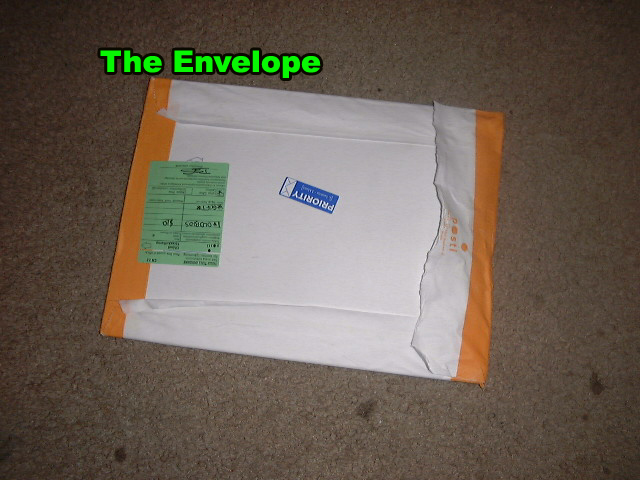
As I opened up the package and took out the contents, my concerns only grew greater as the chip was placed within a matchbook case from a local hotel chain (Ramada). Razoola spared no expense! He even included the matches! I was surprised by the user guide since I was expecting a printout of the readme.txt file found on his site.

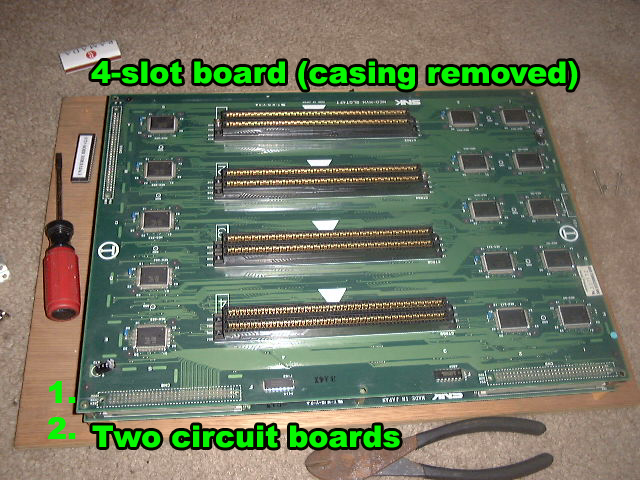
The chip was ordered for my 4-slot MVS board. Below is the 4-slot board with the metal casing removed. Its important to note that the bios chip rests in the second circuit board (below the slot board). You can also see the unbios chip resting on the left hand side waiting to be plugged in! There were a few screws that needed to be removed in order to release the top board from the bottom. They are also connected via 3 plugs but once the screws were removed it was simply a matter of pulling them apart.
Here you see the lower board which contains the original bios. Most MVS boards contain a socketed bios area (no soldering required). This was a major deciding factor in purchasing the chip. Removing this chip was a breeze (take a screwdriver and wedge it between the chip and socket.
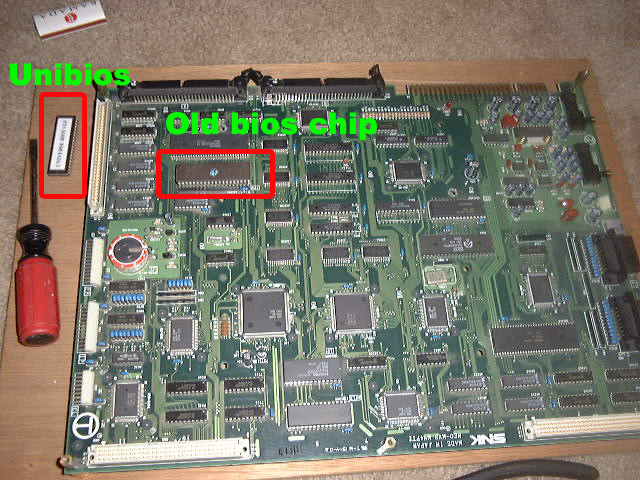
Once the old bios chip was removed, it was easy to just snap/plug the new one in. (Take note of the curved end of your old bios and where it rests with respect to the socket. The new chip will be placed the same way). Here is the chip installed!

Now i just put the top board back on, screwed the casing back, plugged the harness back in, added games and powered it on!
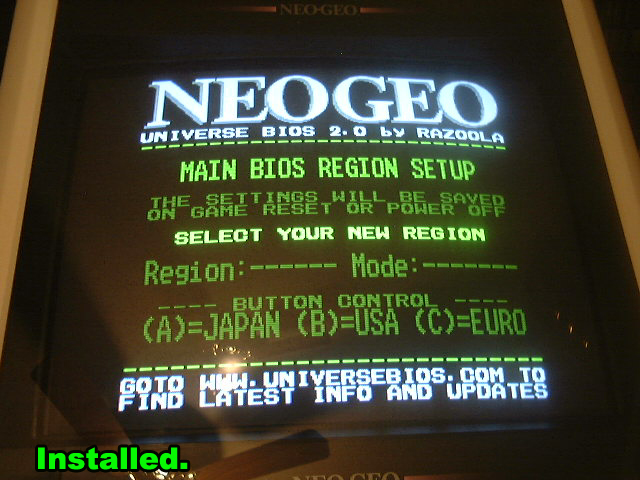
My worries were put to rest once I powered it on. So far so good and Mais boobies are back in KOF2k3! If I could only figure out how to exit Practice mode without needing to restart........
Thanks go out to Razoola for creating this wonderful tool!
-NeoCverA
SNK, Neo Geo, and all other trademarks are copyright SNK Playmore.